How to Sell Crypto at a CoinPrime ATM?
Learn how to sell crypto and withdraw EUR at a CoinPrime Crypto ATM, either directly at the ATM or easily through the CoinPrime Mobile App.
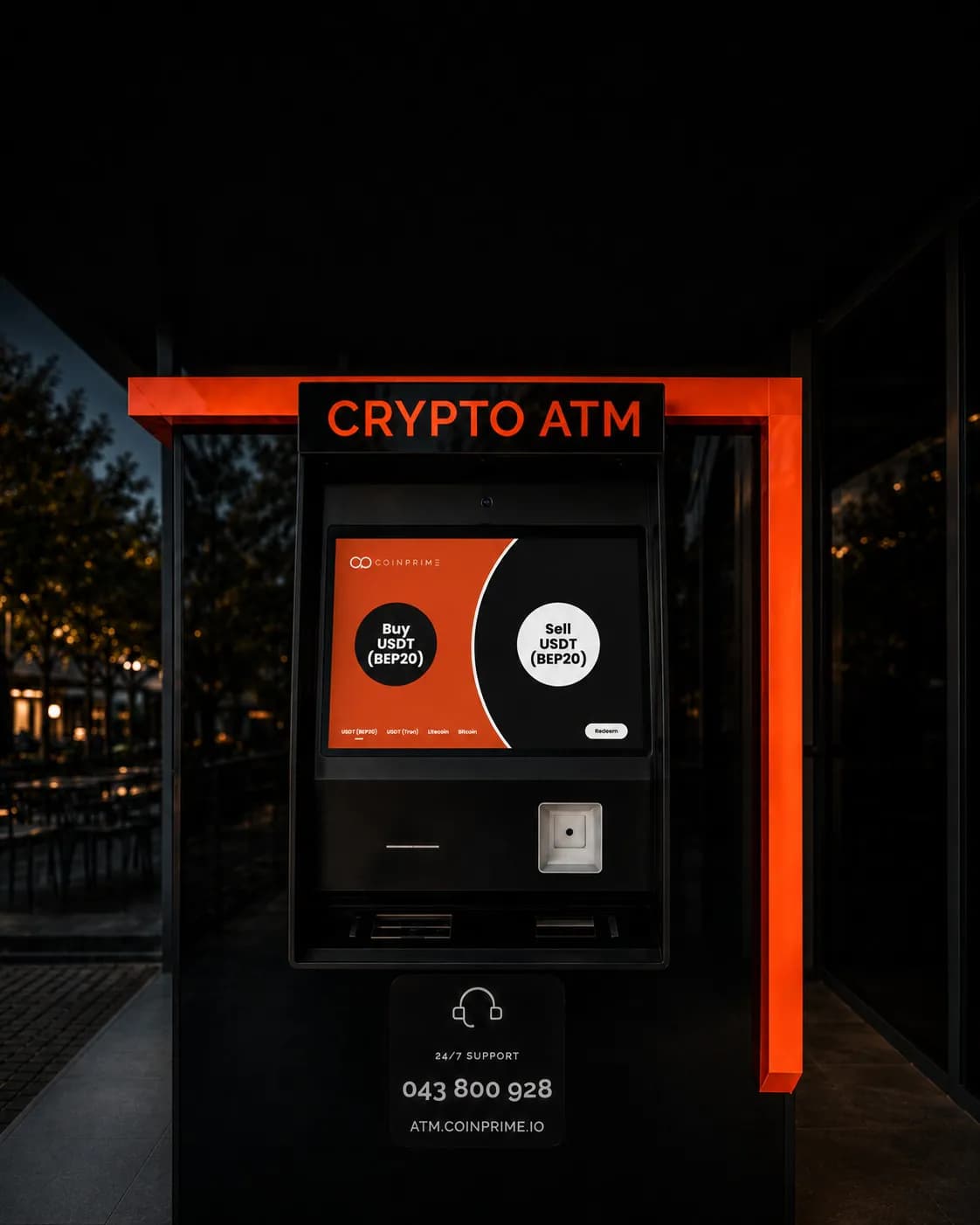
How to Sell Crypto at a CoinPrime ATM?
CoinPrime allows you to sell crypto and withdraw EUR through a Crypto ATM in two ways: by starting the transaction directly at the ATM or by using the CoinPrime Mobile App.
Method 1: Selling Crypto Directly at a CoinPrime ATM
To sell crypto directly through the ATM:
- At the ATM, select the cryptocurrency you want to sell.
- Enter your phone number.
- You will receive a verification code on your phone. Enter the code at the ATM to continue.
- Complete the identity verification using your ID document.
- Enter the amount in EUR that you want to withdraw.
- The ATM will display the QR code of the CoinPrime wallet address and the amount of crypto you need to send.
- Send the required amount of crypto to the displayed address.
The required amount must arrive in the CoinPrime wallet. The customer must take the network fee into account to ensure that the full required amount reaches the CoinPrime wallet.
Confirmation and Redeem
Once the transaction is confirmed, you will receive the following message on your phone:
"Your transaction is confirmed! Go to the CoinPrime ATM and press Redeem within 24 hours."
After receiving this message, you have 24 hours to go to the CoinPrime ATM and withdraw your EUR.
To complete the withdrawal:
- Go to the CoinPrime ATM and press Redeem.
- Enter the same phone number that you used when starting the transaction.
- You will receive a code on your phone.
- Enter the code at the ATM.
- Once the process is completed, the ATM will dispense the corresponding amount in EUR.
Method 2: Selling Crypto with the CoinPrime Mobile App
For an even easier and more convenient process, you can start the sale directly through the CoinPrime Mobile App.
The app is connected to CoinPrime's online platform and allows you to prepare the transaction from your phone, choose the CoinPrime ATM where you want to withdraw your EUR, and then visit the selected ATM to collect your cash.
To sell crypto through the app:
- Open the CoinPrime Mobile App.
- Select Sell.
- Choose the CoinPrime ATM and the city where you want to make the withdrawal.
- Select the amount you want to withdraw.
- Send the crypto according to the transaction details displayed in the app.
- After sending the crypto, a QR code for the withdrawal will be displayed in the app.
- Go to the CoinPrime ATM you selected.
- At the ATM, select Collect with App and scan the QR code displayed in the app.
- Once the process is completed, the ATM will dispense the corresponding amount in EUR.
With the CoinPrime Mobile App, you can complete part of the process in advance from your phone, making your ATM withdrawal simpler and more convenient.
Find Your Nearest CoinPrime ATM
CoinPrime Crypto ATMs are available in Prishtina, Ferizaj, and Gjilan.