Back to the blog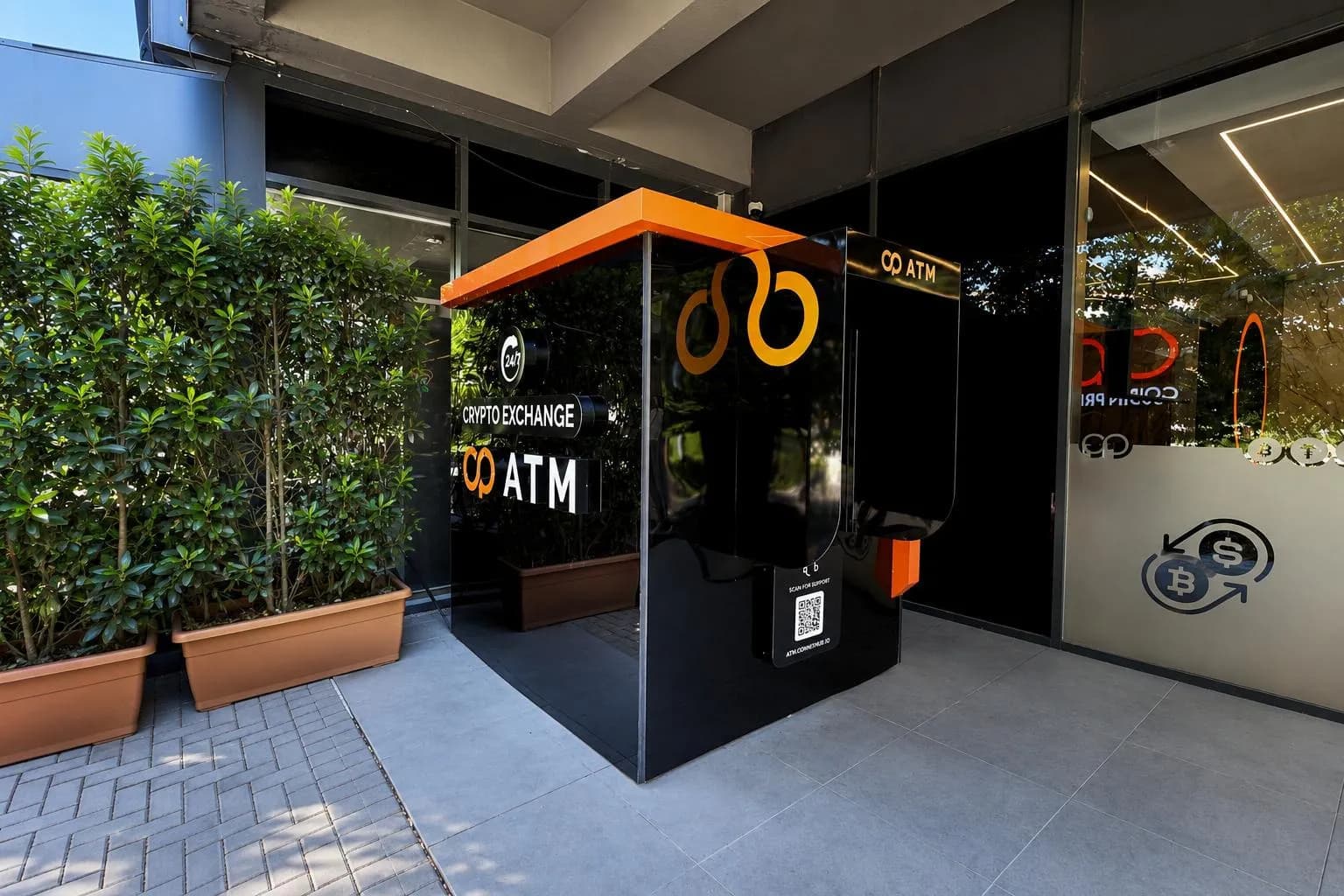
How to Buy Crypto at a CoinPrime ATM?
Learn how to buy crypto at a CoinPrime Crypto ATM, either directly at the ATM or by using the CoinPrime Mobile App.
How to Buy Crypto at a CoinPrime ATM?
CoinPrime allows you to buy crypto through a Crypto ATM in two ways: directly at the ATM or by using the CoinPrime Mobile App.
Method 1: Buying Directly at a CoinPrime ATM
To buy crypto directly at the ATM:
- At the ATM, select the cryptocurrency you want to buy.
- Scan the QR code of the wallet where you want to receive your crypto.
- Insert the cash into the ATM. If you have more than one banknote, insert them one at a time.
- Review the transaction details.
- Click Send Coins to proceed with the purchase.
The crypto will be sent to the wallet scanned during the process.
Method 2: Buying with the CoinPrime Mobile App via ATM
The CoinPrime Mobile App is connected to CoinPrime's online platform and can also be used when buying crypto through an ATM.
To buy through the app:
- Open the CoinPrime Mobile App.
- Open the QR code for receiving crypto.
- Go to a CoinPrime ATM.
- Select the cryptocurrency you want to buy.
- Scan the QR code displayed in the app using the ATM.
- Insert the cash into the ATM, one banknote at a time if you have multiple banknotes.
- Click Send Coins to complete the process.
The crypto will be sent to the corresponding wallet displayed through the app.
Find Your Nearest CoinPrime ATM
CoinPrime Crypto ATMs are available in Prishtina, Ferizaj, and Gjilan.